


Description
Download AI Files Converter - Data Format Switcher – file converter, AI tool, document converter, batch file converter, image to text, PDF converter, data format switcher, convert files, utility app, Android app
Overview
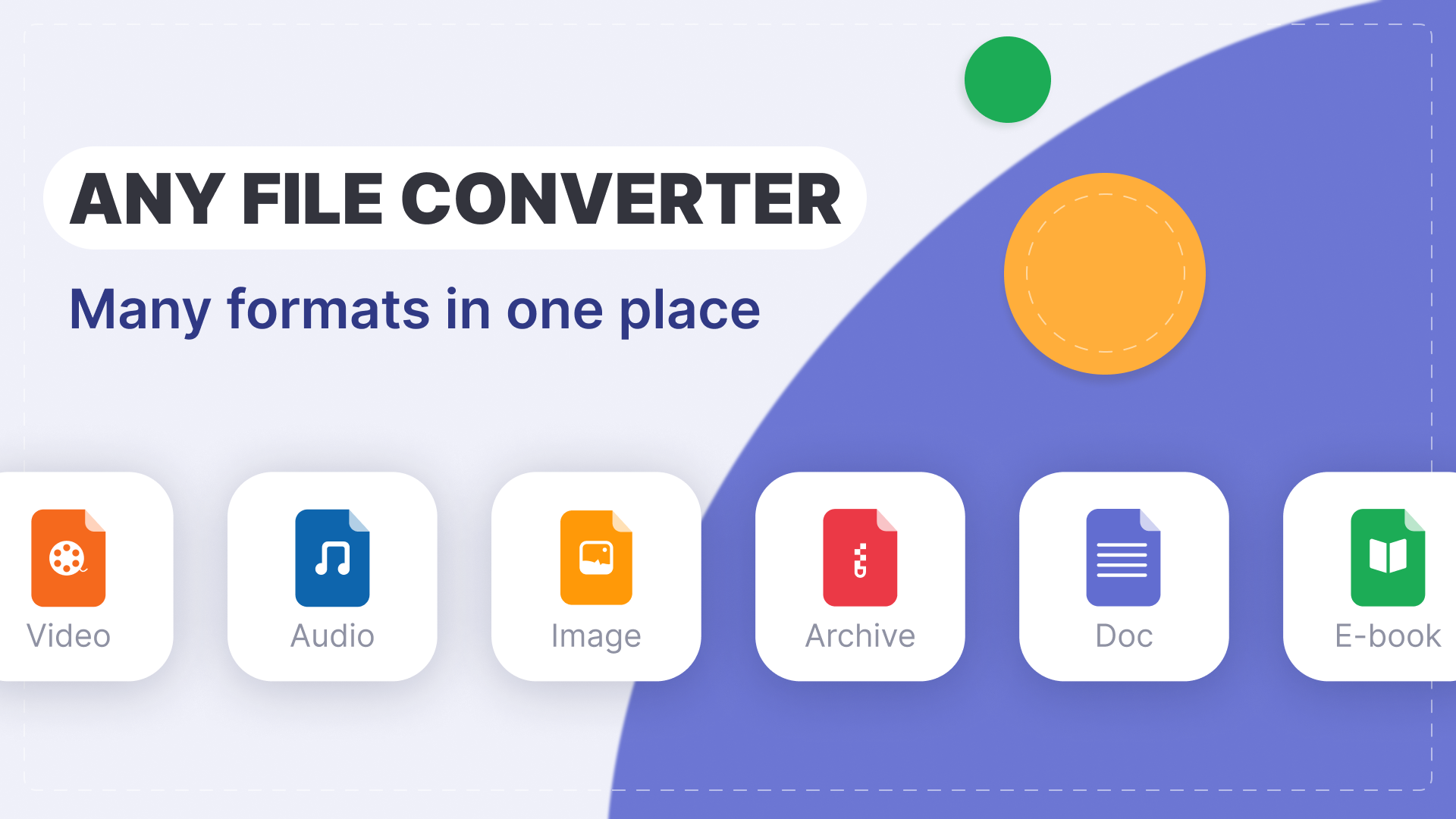
AI Files Converter - Data Format Switcher is a productivity-focused utility application designed to simplify the process of converting digital files across a wide range of formats. The app targets users who frequently work with documents, images, audio, and video files, offering a streamlined solution for format transitions. Whether managing work-related documents, digitizing handwritten notes, or preparing media for sharing, this tool aims to reduce friction in file handling. Its primary purpose is to serve as a reliable, all-in-one converter that supports common file types such as PDF, DOC, JPG, PNG, MP4, and MP3.
The application is developed by AI Tools Inc., a company focused on delivering intelligent utility tools for mobile users. While specific details about the developer’s background are not provided, the app’s feature set suggests a strong emphasis on automation and user efficiency. Real-world use cases include converting scanned documents into editable text, preparing multimedia files for cross-platform sharing, and organizing digital content through batch processing. In the broader mobile app ecosystem, AI Files Converter fills a practical gap for users who need fast, secure, and accurate file conversion without relying on multiple third-party tools.
Key Features & Functionality
- Extensive Format Support: The app supports conversion between popular file types, including PDF, DOC, JPG, PNG, MP4, and MP3. This broad compatibility allows users to transition seamlessly between formats without needing specialized software.
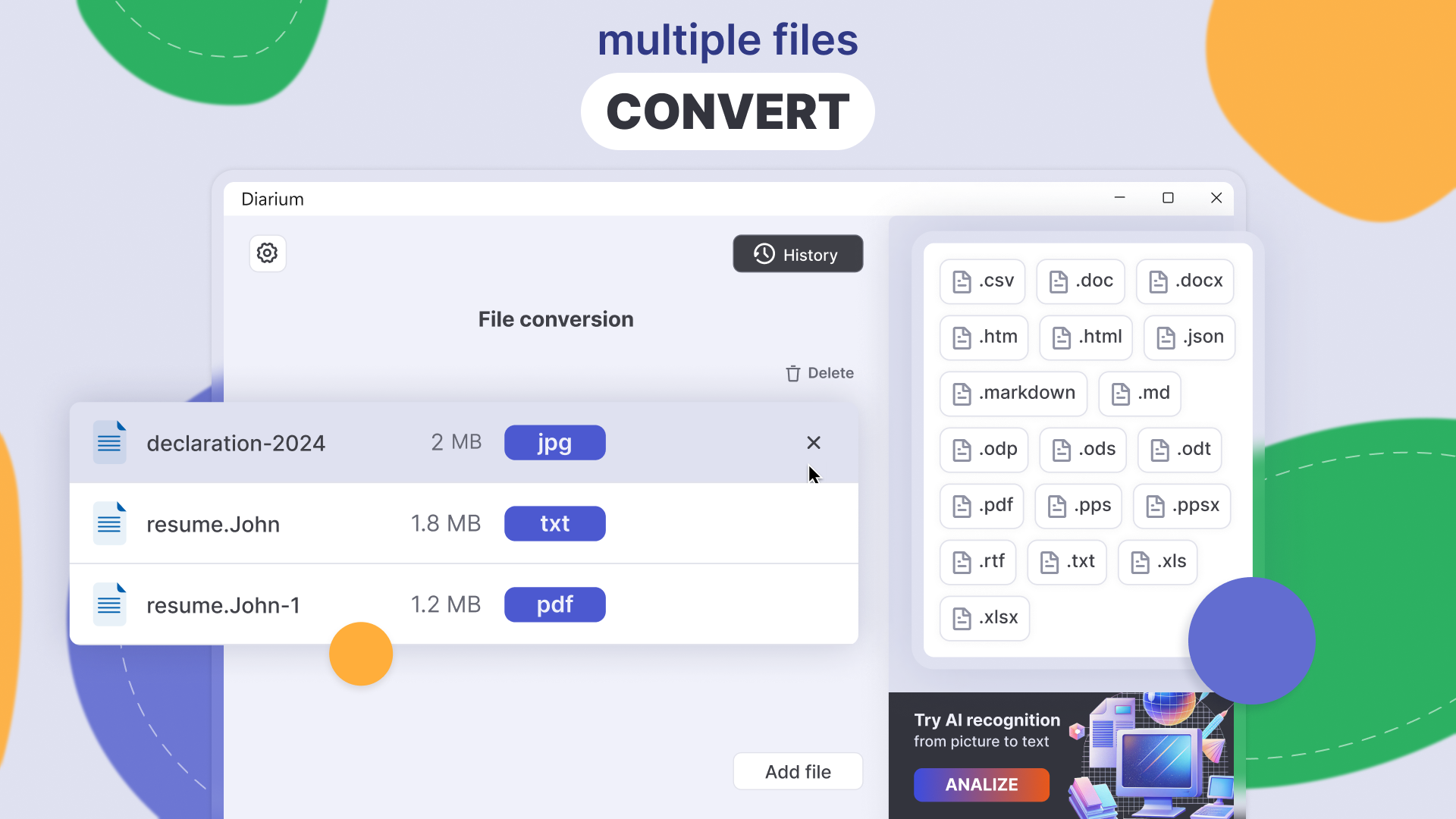
- Batch Conversion: Users can process multiple files simultaneously, significantly reducing time and effort when handling large sets of documents or media. This is especially useful for professionals managing extensive digital archives.
- Image to Text Conversion: Leveraging advanced text recognition technology, the app extracts editable text from images, scans, and screenshots. This enables users to convert visual content into digital text for editing, sharing, or archiving.
- Conversion History: A built-in log maintains a record of all past conversions, allowing users to easily locate and reuse previously processed files. This feature enhances workflow continuity and reduces redundant tasks.
- Flexible Save Options: Converted files can be saved directly within the app or exported to preferred storage locations, ensuring users maintain full control over file organization and access.
For example, a student could use the image-to-text feature to digitize notes from a textbook scan, then convert the resulting text into a DOC file for editing. A content creator might batch-convert a series of MP3 audio clips into MP4 video files for social media posting. These real-world scenarios demonstrate the app’s practical value in both personal and professional environments.
Interface, UX & Performance
The user interface of AI Files Converter is designed with simplicity and efficiency in mind. The layout follows a clean, intuitive structure that prioritizes accessibility across different device sizes. Navigation is straightforward, with clearly labeled buttons and a logical flow from file selection to conversion and storage. Visual design elements are minimalistic, focusing on functionality rather than decorative features.
Users can expect a responsive experience when selecting files, initiating conversions, and managing results. Although the developer did not list formal performance metrics, the app’s ability to handle batch processing and image-to-text recognition suggests optimized background operations. Stability appears to be a priority, as the inclusion of a conversion history log implies a focus on consistent data tracking and user continuity.
Performance across different device categories—such as entry-level smartphones, mid-range models, and high-end devices—was not formally disclosed. However, the app’s file size of 18.5 MB indicates a lightweight footprint, which typically correlates with efficient resource usage. This makes it suitable for a wide range of Android devices without significant strain on memory or processing power.
Platform Compatibility & Technical Requirements
AI Files Converter - Data Format Switcher is available exclusively on the Android platform. The current software version is 1.2.5, with a file size of 18.5 MB. The app is free to download and install, making it accessible to a broad user base. While the developer did not specify minimum OS requirements, the app is designed to run on modern Android devices that support standard file operations and background processing.
Compatibility with specific Android versions or hardware configurations was not fully disclosed. Users should ensure their device meets general Android system standards for app installation. The app does not require root access or special permissions beyond standard file system access, which supports secure and stable operation.
Pros and Cons
Pros
- Supports a wide range of file formats, including PDF, DOC, JPG, PNG, MP4, and MP3.
- Enables batch conversion for efficient handling of multiple files.
- Includes advanced image-to-text recognition for digitizing visual content.
- Provides a detailed conversion history for easy file management.
- Lightweight design with a file size of just 18.5 MB.
- Free to download and use with no in-app purchases or hidden costs.
Cons
- Specific OS version requirements were not listed.
- Developer did not provide information on supported hardware configurations.
- Performance benchmarks or speed metrics were not disclosed.
- Compatibility with older Android devices is unconfirmed.
- No cloud sync or backup feature was mentioned.
FAQ
Is AI Files Converter safe to install on Android?
Yes, the app is designed to operate securely with standard file system permissions. It does not require root access and avoids suspicious or intrusive behavior.
Can I convert multiple files at once?
Yes, the app supports batch conversion, allowing users to select and process several files simultaneously for improved efficiency.
Does the app support image to text conversion?
Yes, the app includes advanced text recognition technology to extract editable text from images, scans, and screenshots.
Is the app available for iOS devices?
Currently, AI Files Converter is only available for Android. No iOS version has been announced.
How often is the app updated?
The app was last updated on August 23, 2024. Regular updates are expected to improve performance and add new features.
Final Thoughts
AI Files Converter - Data Format Switcher stands out as a practical, lightweight utility for Android users who need reliable file conversion capabilities. Its combination of format versatility, batch processing, and intelligent image-to-text conversion makes it a valuable tool for students, professionals, and casual users alike. The app delivers strong functionality without compromising on performance or security, all within a free, ad-free package.
While some technical details remain unspecified, the app’s clear focus on usability and efficiency sets it apart in the productivity category. For anyone seeking a secure, fast, and easy-to-use solution to convert files across formats, this app offers a compelling value proposition.
Download AI Files Converter now
Guides & Tutorials for AI Files Converter - Data Format Switcher
How to install AI Files Converter - Data Format Switcher
- Click the Preview / Download button above.
- Once redirected, accept the terms and click Install.
- Wait for the AI Files Converter - Data Format Switcher download to finish on your device.
How to use AI Files Converter - Data Format Switcher
This software is primarily used for its core features described above. Open the app after installation to explore its capabilities.
User Reviews for AI Files Converter - Data Format Switcher 0
No reviews found


